Keyword: Laravel screenshot API · Updated August 27, 2026
Laravel Screenshot API: Capture Websites with PHP
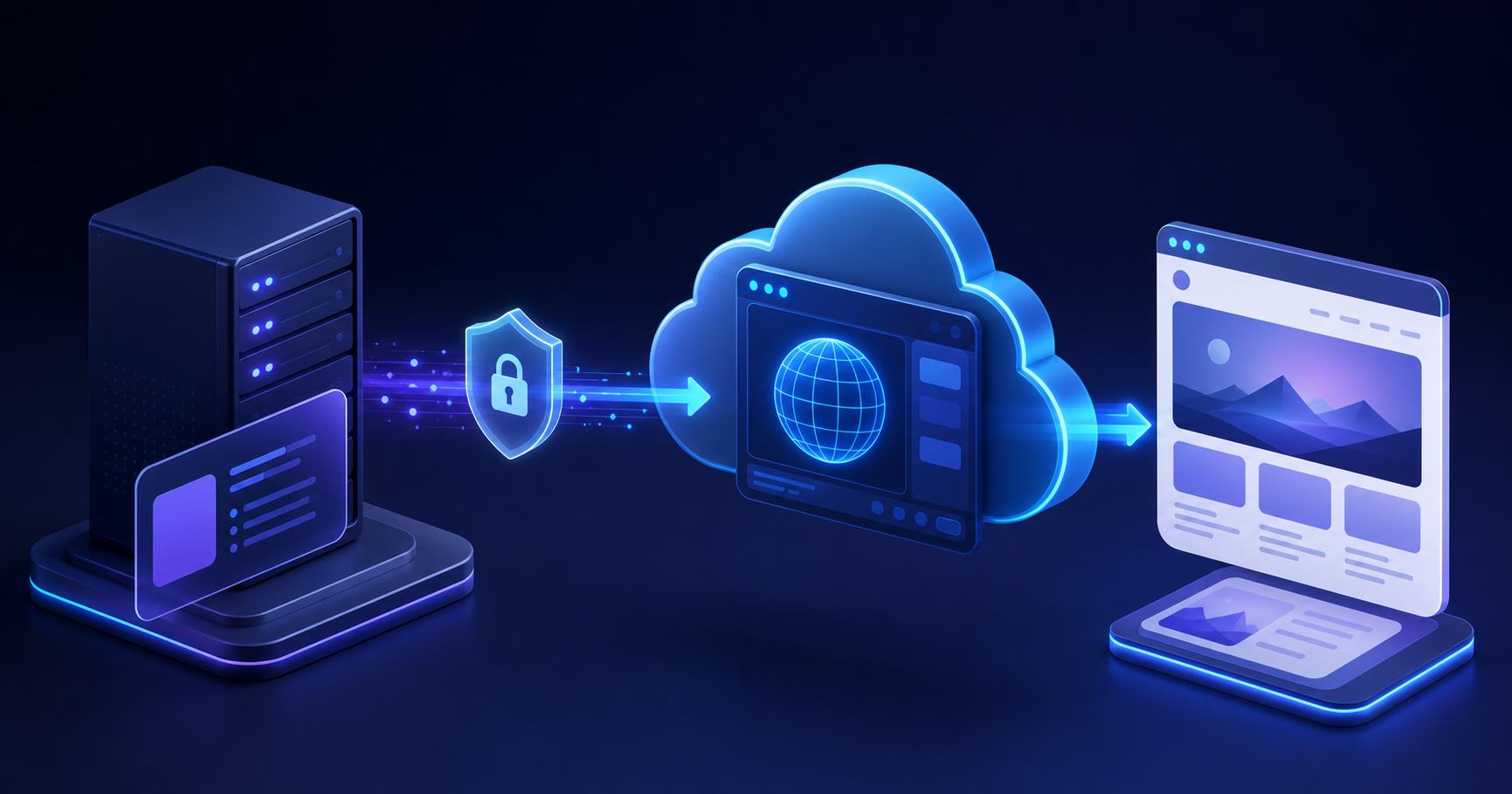
A Laravel app may need to turn a URL into a preview image, a QA artifact, a customer report, or a reviewable PDF. You can run Chromium inside your PHP deployment, but that also means maintaining a browser binary, fonts, memory limits, and worker lifecycle. A screenshot API keeps rendering outside the request path: Laravel sends a scoped HTTP request and receives an image, JSON, or a download URL.
Why use a Screenshot API from Laravel?
Laravel already supplies an HTTP client and queue system, so a REST integration does not require a new PHP package. The official Laravel HTTP Client documentation covers request headers, timeouts, retries, and response handling. Laravel's queue documentation describes the background-job pattern for work that should not delay a browser request.
This is also a live developer-intent cluster: competitors now publish dedicated Laravel screenshot guides, which confirms that teams look for this integration. The fit for SnapshotFlow is direct, because its public REST API accepts URL, viewport, format, wait, selector, cache, and output-response options.
1. Store the SnapshotFlow API key
Keep secrets in your server environment; never expose the SnapshotFlow key in a Blade template, frontend bundle, or public URL. Add it to .env:
Register a small configuration entry in config/services.php:
2. Create a small screenshot service
This service requests a WebP capture and asks the API for a hosted download URL. throw() turns non-success responses into an exception that Laravel can report or retry; timeout() bounds the caller's wait.
Expected behavior: a successful response_type=url response is plain text containing a download URL. To receive JSON metadata instead, send response_type=json. To store raw bytes through Laravel, omit response_type, request an image format, then use body() only after checking the response.
3. Validate a submitted URL before capture
Do not create an endpoint that sends arbitrary user input directly to a renderer. Laravel validation catches malformed values; your application should also enforce the domains, tenants, or URL policy appropriate to its product.
SnapshotFlow also validates target URLs and blocks private or loopback destinations. That protection does not replace your own authorization boundary: never pair caller-controlled URLs with privileged cookies or request headers.
4. Queue screenshot work for a responsive application
For CMS imports, many URLs, or flows that also store files and send notifications, dispatch a Laravel job instead of holding an HTTP request open. Laravel queues support database, Redis, SQS, and other backends; choose the one your deployment already operates.
Dispatch it after your database transaction commits, so the worker can read the related record. For a list of up to 10 URLs using one shared configuration, see SnapshotFlow's batch screenshot API guide.
Operational advice
- Use a readiness signal. Prefer
wait_for_selectorwhen a page has a reliable target such as[data-testid='report-ready']; it is more specific than adding an arbitrary delay. - Decide cache freshness. Identical capture settings can reuse a cached render. Pass
cache=falsefor a forced fresh capture, such as a compliance review or a post-deploy verification. - Choose output deliberately. WebP can reduce image size; PNG is useful when lossless output is required; PDF supports print-oriented workflows. Read the full-page screenshot guide and webpage-to-PDF guide for the trade-offs.
- Handle meaningful failures. Treat 400 as invalid parameters, 401 as missing or invalid API credentials, and 403 as a blocked target rather than a successful image. Do not retry validation failures indefinitely.
- Keep authenticated capture scoped. SnapshotFlow supports cookies and headers for authorized pages; use dedicated, least-privileged sessions and follow the authenticated page capture guide.
FAQ
Do I need Browsershot or a local Chromium binary?
No. This REST approach uses Laravel's HTTP Client and sends rendering to SnapshotFlow. Use a local browser tool when your application specifically needs a stateful, programmable browser session.
Can Laravel create a thumbnail from a URL?
Yes. Capture a fixed viewport, choose PNG or WebP, and resize with image_width or image_height where appropriate. Keep the viewport and crop policy consistent for cards and directories.
Can I capture an authenticated Laravel preview environment?
Yes, when you are authorized to access it and the target is reachable by the service. Pass a scoped cookie or authorization header from server-side code; never expose it to the browser.
Sources and further reading
Keep rendering out of your PHP runtime
Start with one server-side HTTP request, add a queue when the workflow needs it, and make failed captures visible to your application.
Read the API docs