Screenshot API · Official npm SDK · Updated
Screenshot API for Node.js
The official snapshotflow package on npm is a thin TypeScript wrapper over the SnapshotFlow HTTP API. Zero runtime dependencies, no bundled Chromium - your Node process sends requests and receives PNGs, PDFs, batch results, or diff stats. Same endpoints as curl, less boilerplate.
Requires Node.js 18+. Calling from the browser instead? See the JavaScript API guide or cURL guide.
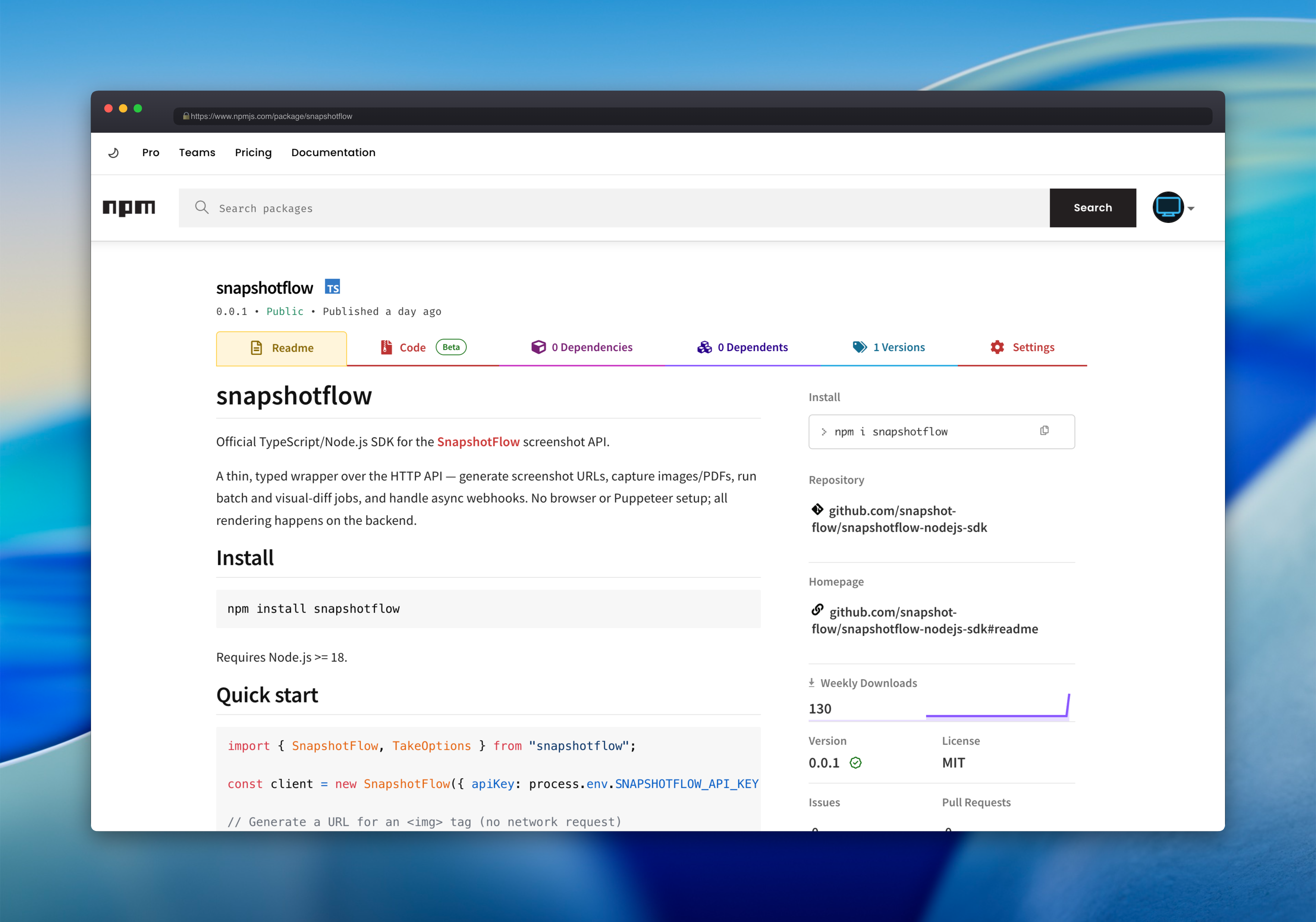
snapshotflow package on npmjs.comWhy use the SDK instead of raw HTTP?
The API is plain HTTP: one endpoint, one header, query parameters for capture options. The SDK does not hide that model - it makes it pleasant to work with in TypeScript.
- camelCase in, snake_case out. Pass
fullPageanddeviceScaleFactor; the client converts them to API query params automatically. - Retries and timeouts built in. Configurable backoff on
429,5xx, and network failures. - Typed errors.
QuotaExceededError,RateLimitError,TimeoutError, and the rest map from the API'serrorfield. - One client, every endpoint. Screenshots, batch captures, visual diffs, async jobs, and webhook verification share the same config object.
Install and capture your first screenshot
Install from npm, set your API key from the dashboard, and run:
npm install snapshotflow
import { SnapshotFlow } from "snapshotflow";

const client = new SnapshotFlow({ apiKey: process.env.SNAPSHOTFLOW_API_KEY! });
const shot = await client.take({ url: "https://example.com", fullPage: true, width: 1440 });
await shot.save("example.png");
ScreenshotResult gives you the raw buffer plus save(path), toBase64(), blob(), and metadata like cached and etag.
Prefer a fluent builder? Chain TakeOptions.url("…").fullPage(true).blockAds(true) and pass the result to take() or generateUrl().
take() for server-side work (API key in the X-Api-Key header). Reserve generateUrl() for cases where embedding the key in a query string is acceptable.
What the client covers
One SnapshotFlow instance exposes every hosted endpoint.
| Method | Use when you need… |
|---|---|
take(options) | A PNG, JPEG, WebP, or PDF as binary data. |
takeJson(options) | Metadata, extracted page text, or a base64 image in one JSON payload. |
takeUrl(options) | A hosted download URL instead of streaming bytes yourself. |
batch({ urls }) | Up to 10 URLs captured with shared viewport and format settings. |
diff({ before, after }) | Pixel-level change stats plus a diff image. |
takeAsync() + waitForJob() | Long-running captures with optional webhook delivery. |
SnapshotFlow.verifyWebhook() | Signature checks on incoming async webhook payloads. |
Options and errors
Every /screenshot parameter from the API reference works in camelCase: viewport size, fullPage, wait conditions, dark mode, geo targeting, custom headers and cookies, ad blocking, PDF settings, content extraction, and async webhook fields.
When something fails, the SDK throws a matching subclass of SnapshotFlowError. Extra fields from the response body land on err.details. Source and types:
github.com/snapshot-flow/snapshotflow-nodejs-sdk.
Production notes
Store the API key in environment variables or your platform's secret manager - never in client-side code or git. The client accepts optional timeoutMs, maxRetries, a custom fetch for tests, and baseUrl if you self-host with Docker Compose.
For async captures with webhookUrl, verify the X-SnapshotFlow-Signature header with SnapshotFlow.verifyWebhook() against the raw request body before you trust the payload.
ESM and CommonJS builds, TypeScript declarations, MIT license, zero runtime dependencies.