Agent, no tool
What's on this live page?
I'll fetch the HTML.
<html><head><script src="/chunk-vendor.js"></script></head><body><div id="app"><nav>... thousands of nodes, cookies, ads, and JSON blobs ...</div></body>
184k tokens. History truncated.
Screenshot API for agents and apps
Hosted Chromium. PNG, PDF, and visual diffs. MCP for Claude, Cursor, and Copilot. About 100x fewer tokens than dumping HTML into the model.
Built for agents
Dumping HTML burns the context window. extract_text or a screenshot keeps the thread. OAuth at https://api.snapshotflow.com/mcp.
Agent, no tool
What's on this live page?
I'll fetch the HTML.
<html><head><script src="/chunk-vendor.js"></script></head><body><div id="app"><nav>... thousands of nodes, cookies, ads, and JSON blobs ...</div></body>
184k tokens. History truncated.
Agent + SnapshotFlow
What's on this live page?
extract_text · screenshot
Send a URL. Get a screenshot. Hosted Chromium, PNG, PDF, visual diffs.
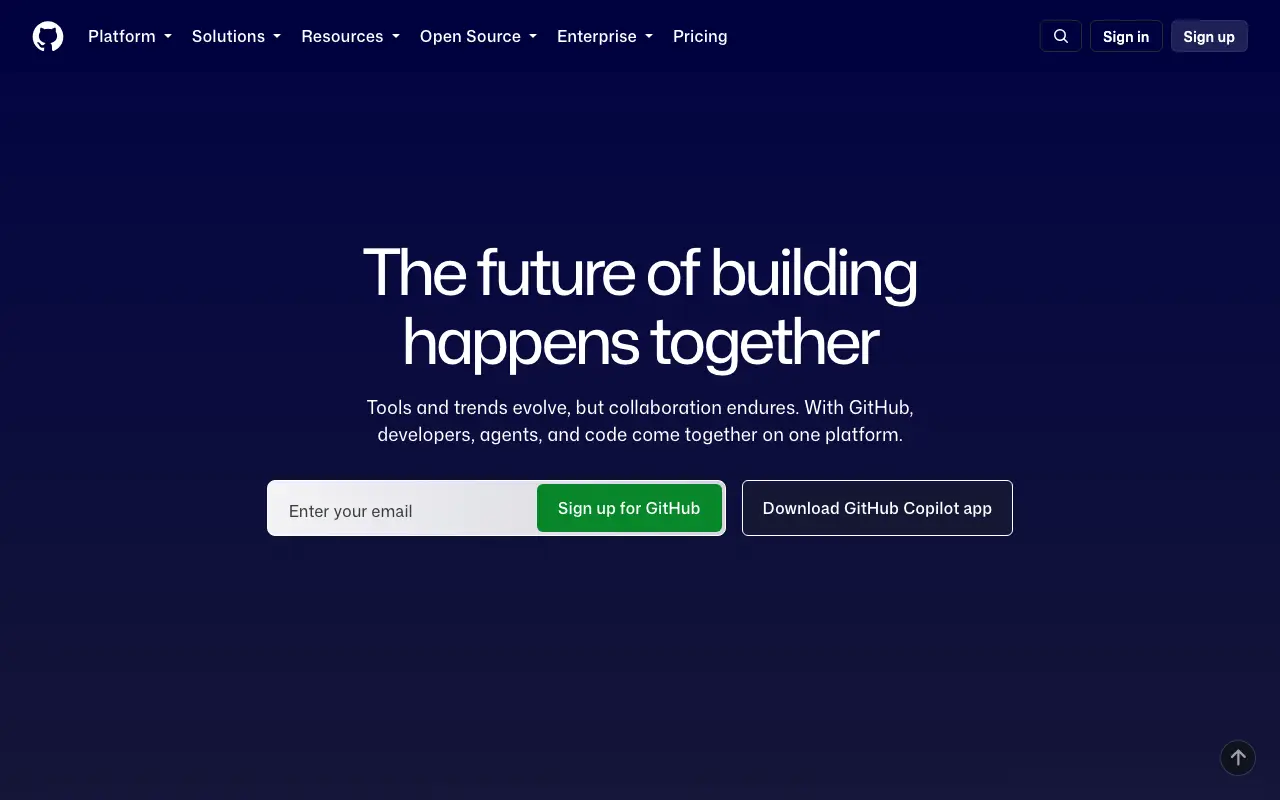
1.8k tokens. Full history kept.
{
  "mcpServers": {
    "snapshotflow": {
      "url": "https://api.snapshotflow.com/mcp"
    }
  }
}
How it works
Any live page. No HTML upload. No browser on your machine.
Hosted Chromium loads it with 40+ capture parameters.
Get the file, a webhook, or a visual overlay for CI.
One request
curl "https://api.snapshotflow.com/screenshot?url=https://github.com" \
  -H "X-Api-Key: $SNAPSHOTFLOW_KEY" \
--output github.pngCapabilities
Visual regression
OG images
PDF export
Page cleanup
Change monitoring
Website thumbnails
300 free screenshots. No credit card.
Who it is for
Visual diffs
Fail the build when pixels moved.
Thumbnails
Live link previews inside your app.
OG images
Rich previews from the live page.
MCP
About 100x fewer tokens than dumping HTML.
Why not Playwright
Security and reliability
One capture. One Chrome.
REST key. Agent OAuth.
Signed. Timed. SSRF-checked.
Chrome, Redis, storage on your boxes.
Pricing
Basic
$17 per month
The essentials to start rendering screenshots today.
Growth
Recommended$79 per month
A plan that scales with a rapidly growing product.
Scale
$259 per month
Prioritized support and infrastructure for your company.
Integrations
Parameters
block_adsblock_cookie_bannersfull_pageformat=pdffull_pagewidthheightFeedback
5.0 out of 5
We dropped Playwright from CI for URL diffs. One request, no Chrome on the runner.
Priya N.
QA lead, ecommerce
5.0 out of 5
Forty-plus params meant we could kill cookie banners and ads without maintaining a script.
Marcus L.
Staff engineer, payments
5.0 out of 5
OG images from live pages. No template farm, no extra render service.
Elena V.
Frontend lead, SaaS
5.0 out of 5
The Node SDK is a thin wrapper. Same capture as cURL, typed for the team.
Jonah K.
Founding engineer
From the blog
JavaScript
Three ways to take a screenshot in JavaScript, with code and the limits of each.
Node.js
Working code for each option and when running a browser yourself stops paying off.
Playwright
Full page, element and scrollable-div captures in TypeScript and Python.
Puppeteer
A symptom-first checklist with a diagnostic script and code for each fix.
Full page
Parameters and wait strategies for long, lazy-loaded and JavaScript-heavy pages.
Python
Playwright, Selenium, headless Chrome, html2image and an API on the same page.
FAQ
Send the page URL to SnapshotFlow with your API key. Hosted Chromium loads the live page and returns a PNG, JPEG, WebP, PDF, or visual diff. You do not run a browser cluster.
Yes. Connect Claude, Cursor, Copilot, ChatGPT, and other MCP clients to https://api.snapshotflow.com/mcp. OAuth signs the agent in. Tools cover screenshot, batch, visual diff, and extract_text.
A content-heavy page is tens of thousands of tokens of markup. A sized screenshot, or extract_text markdown, is about 100x cheaper context for the same page. That is the usual agent path.
You skip Chrome on CI, patching browsers, and flaky local timeouts. SnapshotFlow is one request with ads, cookies, wait, PDF, and diff already built. Self-host the Docker stack if data must stay on your hardware.
Every account includes 300 free screenshots for the lifetime of the account. No credit card to start. Hosted usage continues on the same API. Docker self-host removes the per-shot cap.
The /screenshot endpoint exposes 40+ parameters. Pick a recipe on the homepage or open the playground. The full list is in the docs.
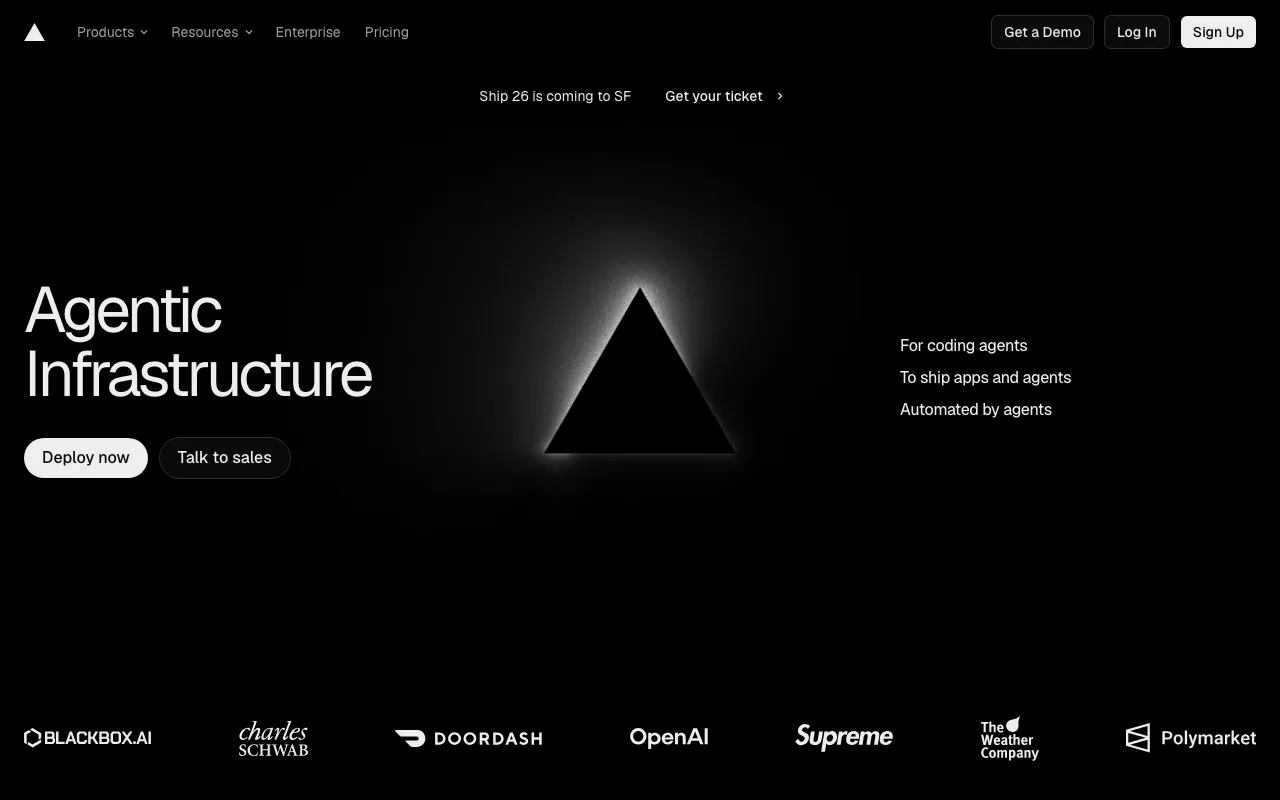
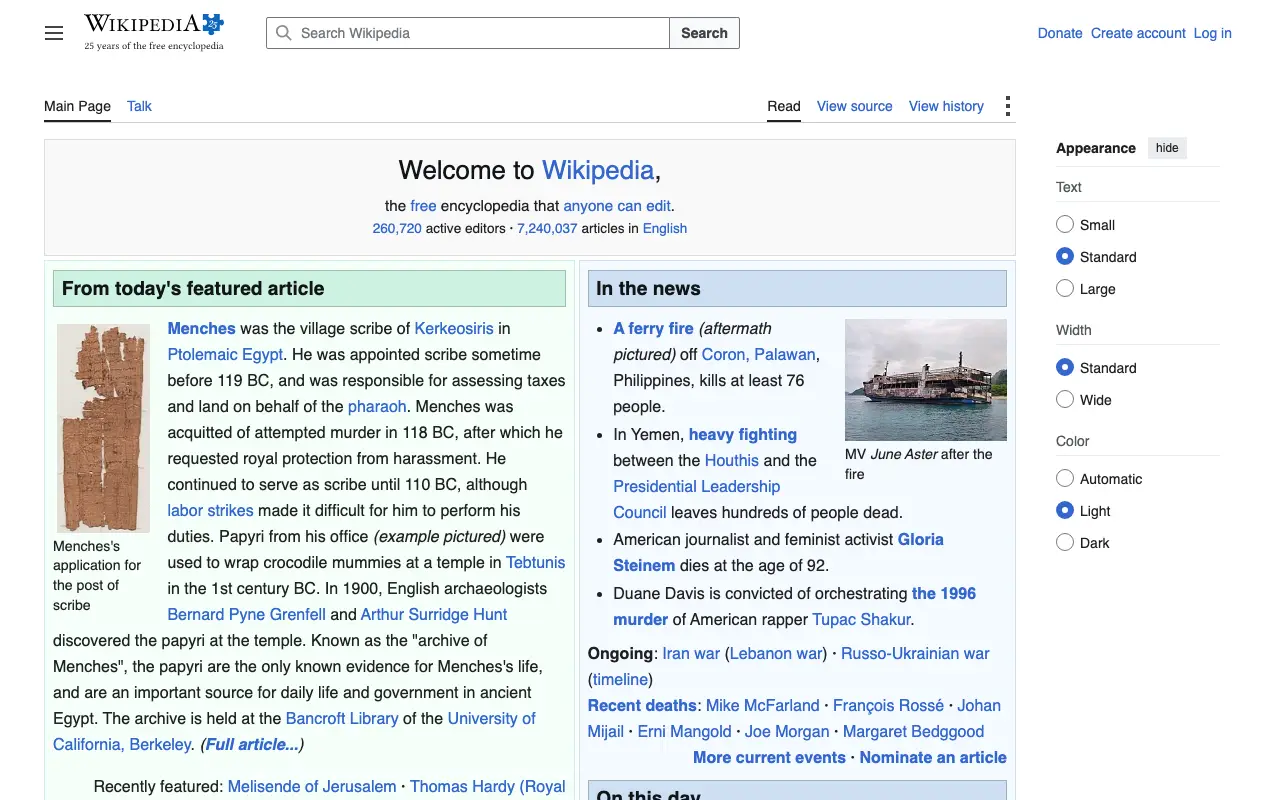 PDF
PDF